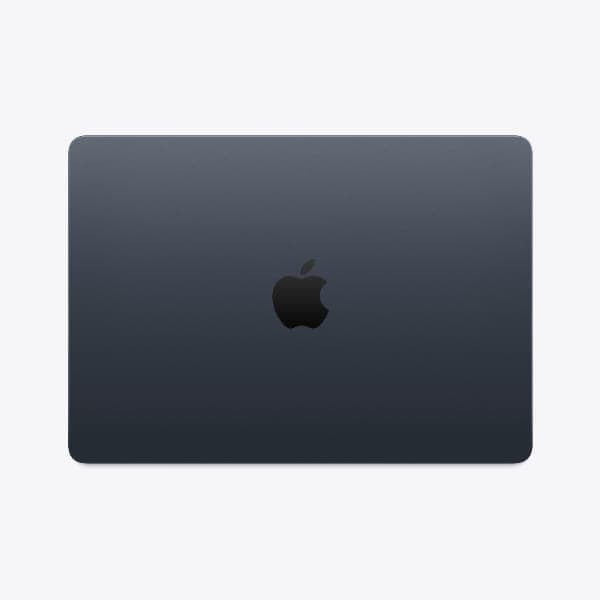
Apple MacBook Pro (16-inch, M4 Max, 2024)
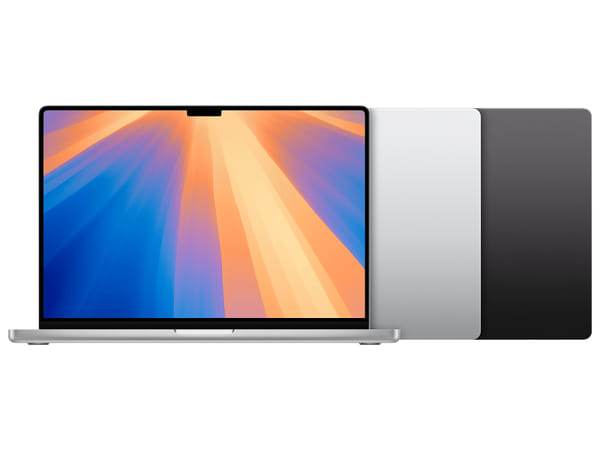








Apple MacBook Pro (16-inch, M4 Max, 2024)
This product is currently unavailable. Get an email the moment it’s back in stock.
Certified Quality & Packaging
MacBook Pro (16-inch, M4 Max, 2024)
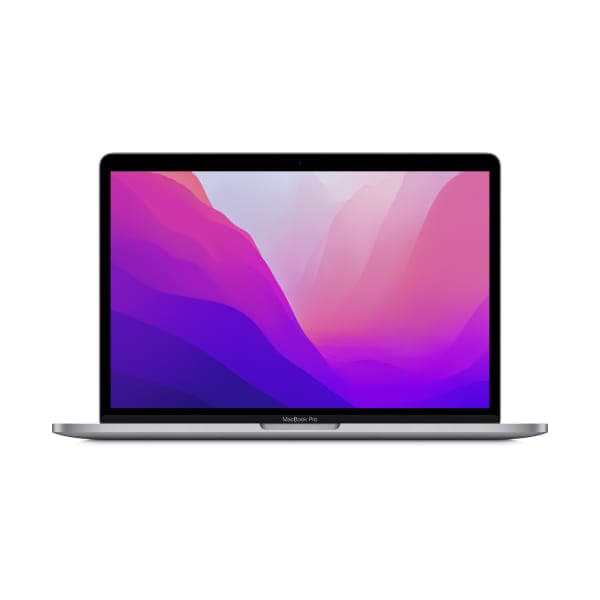
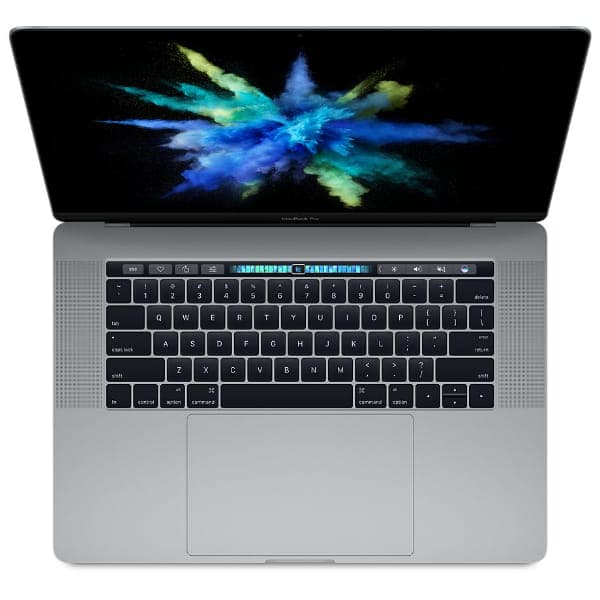
The MacBook Pro (16-inch, M4 Max, 2024) combines Apple’s highest-tier M4 processor with a spacious professional display. Its M4 Max chip is available with a 14-core or 16-core CPU and a 32-core or 40-core GPU, supporting demanding creative, engineering and technical workflows.
The 16.2-inch Liquid Retina XDR display provides a 3456 × 2234 resolution, ProMotion refresh rates up to 120Hz and strong HDR brightness. Three Thunderbolt 5 ports, HDMI, an SDXC card slot and support for as many as four external displays make it particularly effective as a desktop workstation.
When buying a used or open-box unit, verify the exact processor, memory and SSD configuration through macOS because several M4 Max variants exist. Check the battery health, display, keyboard, ports and 140W power adapter, and ensure that Activation Lock and organisational device management have been removed.
Quick Facts
Quick Fact | Details |
|---|---|
Model | MacBook Pro (16-inch, M4 Max, 2024) |
Year Introduced | 2024 |
Processor | Apple M4 Max with 14-core or 16-core CPU |
Graphics | 32-core or 40-core integrated GPU |
Display | 16.2-inch Liquid Retina XDR display |
Resolution | 3456 × 2234 pixels at 254 ppi |
Unified Memory | 36GB; configurable up to 128GB on supported configurations |
Storage | 1TB SSD; configurable up to 8TB |
Battery Life | Up to 21 hours of video streaming |
Weight | Approximately 2.15kg |
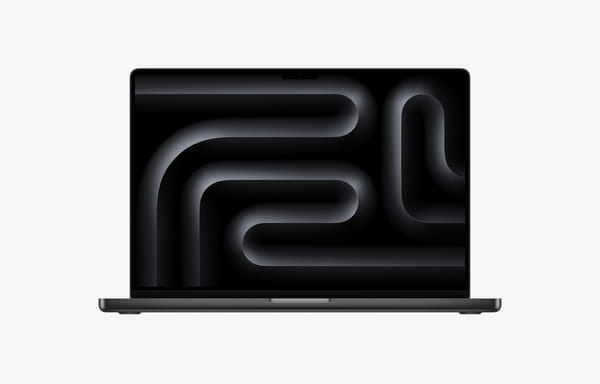
Key Highlights
High-End M4 Max Performance
The M4 Max is built for workloads that require substantial processing, graphics and memory performance. Its higher configuration combines a 16-core CPU, 40-core GPU and 546GB/s of memory bandwidth.
Why it matters:
Handles demanding video, 3D and visual-effects workflows
Supports large software-development and data projects
Hardware-accelerated ray tracing benefits compatible applications
Dual video encode engines accelerate supported exports
Dual ProRes engines improve professional video processing
Expansive Liquid Retina XDR Display
The 16.2-inch Liquid Retina XDR display provides more built-in workspace than the 14-inch MacBook Pro while retaining the same 254-pixel-per-inch density.
Why it matters:
3456 × 2234 resolution displays fine visual detail
ProMotion provides adaptive refresh rates up to 120Hz
Sustained full-screen XDR brightness reaches 1,000 nits
Peak HDR brightness reaches 1,600 nits
Optional nano-texture glass can reduce glare
Professional Connectivity and Display Support
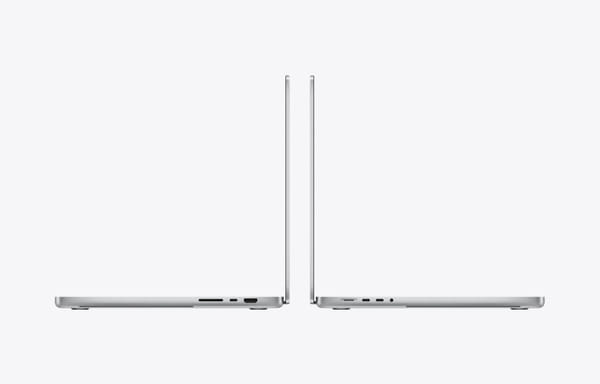
The M4 Max model provides Thunderbolt 5, HDMI, SDXC and MagSafe connectivity, along with extensive external-display support.
Why it matters:
Thunderbolt 5 supports data rates up to 120Gb/s
Up to four external displays can be connected
HDMI supports up to 8K at 60Hz or 4K at 240Hz
The SDXC slot simplifies transfers from compatible cameras
The included 140W adapter supports fast charging
Key Features Explained
Feature | Specification | Why It Matters |
Processor | M4 Max with 14-core or 16-core CPU | Provides high multi-core performance for demanding professional applications |
Graphics | 32-core or 40-core GPU | Accelerates rendering, visual effects, 3D work and GPU-intensive software |
Neural Engine | 16-core Neural Engine | Speeds up supported machine-learning and intelligent workflows |
Memory Bandwidth | 410GB/s or 546GB/s | Helps the CPU and GPU process large datasets and media assets |
Unified Memory | 36GB, 48GB, 64GB or 128GB, depending on chip | Supports large projects and memory-intensive applications |
Storage | 1TB SSD; configurable to 2TB, 4TB or 8TB | Provides fast local storage for large media libraries and project files |
Display | 16.2-inch Liquid Retina XDR | Offers an expansive HDR workspace for detailed professional work |
Resolution | 3456 × 2234 pixels at 254 ppi | Produces sharp text, images and interface elements |
Refresh Rate | ProMotion up to 120Hz | Makes scrolling, animation and supported video appear smoother |
Camera | 12MP Center Stage camera with Desk View | Improves framing and presentation during video calls |
Audio | High-fidelity six-speaker system | Delivers wide stereo sound and Spatial Audio support |
Microphones | Studio-quality three-microphone array | Captures clearer speech and audio for calls or recordings |
Ports | Three Thunderbolt 5, HDMI, SDXC, MagSafe 3 and headphone jack | Connects professional accessories with fewer adapters |
External Displays | Up to four, depending on resolution | Supports sophisticated editing, monitoring and development workspaces |
Wireless | Wi-Fi 6E and Bluetooth 5.3 | Enables fast compatible networking and accessory connections |
Battery | 100Wh; up to 21 hours of video streaming | Provides useful mobile runtime despite the high-performance hardware |
Charging | 140W USB-C adapter with MagSafe 3 cable | Supports fast charging using the included power adapter |
Size and Weight | 1.68cm thick and approximately 2.15kg | Provides a larger display and cooling system at the cost of portability |
Compare Related Models
Feature | MacBook Pro 14-inch M4 Pro (2024) | MacBook Pro 16-inch M4 Pro (2024) | MacBook Pro 14-inch M4 Max (2024) | MacBook Pro 16-inch M4 Max (2024) |
Display Size | 14.2-inch | 16.2-inch | 14.2-inch | 16.2-inch |
Display Type | Liquid Retina XDR | Liquid Retina XDR | Liquid Retina XDR | Liquid Retina XDR |
Native Resolution | 3024 × 1964 | 3456 × 2234 | 3024 × 1964 | 3456 × 2234 |
Maximum Refresh Rate | 120Hz ProMotion | 120Hz ProMotion | 120Hz ProMotion | 120Hz ProMotion |
Processor | Apple M4 Pro | Apple M4 Pro | Apple M4 Max | Apple M4 Max |
CPU Options | 12-core or 14-core | 14-core | 14-core or 16-core | 14-core or 16-core |
GPU Options | 16-core or 20-core | 20-core | 32-core or 40-core | 32-core or 40-core |
Maximum Unified Memory | 48GB | 48GB | 128GB | 128GB |
Maximum SSD Capacity | 4TB | 4TB | 8TB | 8TB |
Memory Bandwidth | 273GB/s | 273GB/s | Up to 546GB/s | Up to 546GB/s |
Maximum External Displays | Two | Two | Four | Four |
Video Streaming | Up to 22 hours | Up to 24 hours | Up to 18 hours | Up to 21 hours |
Power Adapter | 70W or 96W | 140W | 96W | 140W |
Weight | Approximately 1.60kg | Approximately 2.14kg | Approximately 1.62kg | Approximately 2.15kg |
Best Advantage | Strong performance in a portable design | Large display with the longest rated battery life | Maximum performance with easier portability | Largest display with maximum M4 performance |
Which Model Should You Choose?
Model | Recommended For |
Professionals who need strong sustained performance in a more portable chassis | |
Users who want a large display and professional performance without requiring M4 Max graphics | |
Creators and developers who need M4 Max performance but travel frequently | |
Professionals who prioritise maximum performance, memory capacity and built-in workspace |
Common Questions
Is the MacBook Pro 16-inch M4 Max suitable for everyday use?
Yes, but its performance and size may be excessive for browsing, office applications and routine productivity. A MacBook Air or lower-tier MacBook Pro may provide better value for lighter requirements.
Is it suitable for video editing, 3D rendering and software development?
Yes. Its M4 Max processor, high memory bandwidth, dual media engines and configurable unified memory make it particularly suitable for advanced video production, visual effects, 3D rendering and large development projects.
What is the difference between the 16-inch M4 Pro and M4 Max models?
The M4 Max offers substantially more GPU cores, higher maximum memory, greater memory bandwidth, additional media engines and support for more external displays. The M4 Pro provides longer rated battery life and may offer better value for less graphics-intensive professional work.
How many external displays can it support?
The M4 Max model supports up to four external displays in compatible configurations. It can alternatively support up to three displays when one uses 8K resolution at 60Hz or 4K at 240Hz through HDMI.
Can its memory or SSD be upgraded later?
No. The unified memory and internal SSD are not designed for post-purchase upgrades. Buyers should verify the installed configuration before purchasing, particularly when comparing used or open-box units.
Is the MacBook Pro 16-inch M4 Max still worth buying?
Yes, when its performance and large display match the intended workload. It remains particularly relevant for professional users who can benefit from the 40-core GPU, extensive display support or high-capacity memory configurations.
Why Buy the MacBook Pro (16-inch, M4 Max, 2024)?
The MacBook Pro (16-inch, M4 Max, 2024) offers powerful Apple silicon performance with the largest display available in the MacBook range. Its high-end CPU and GPU options, large unified-memory configurations and specialised media engines make it capable of handling demanding professional projects.
Its expansive XDR display, Thunderbolt 5 connectivity, 100Wh battery and broad external-display support make it equally effective as a mobile production system or primary workstation. Buyers should compare the processor, memory, storage, battery condition and included 140W adapter carefully because these factors can significantly affect its value.
Compare MacBook Pro (16-inch, M4 Max, 2024) listings on SellUp Marketplace to find the condition, processor configuration, unified memory, storage capacity and price that suits your budget.