Apple MacBook Air (13-inch, 2017)
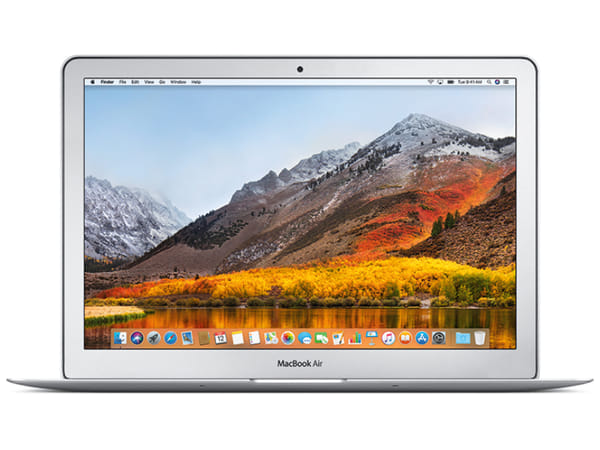








Apple MacBook Air (13-inch, 2017)
This product is currently unavailable. Get an email the moment it’s back in stock.
Certified Quality & Packaging
MacBook Air (13-inch, 2017)
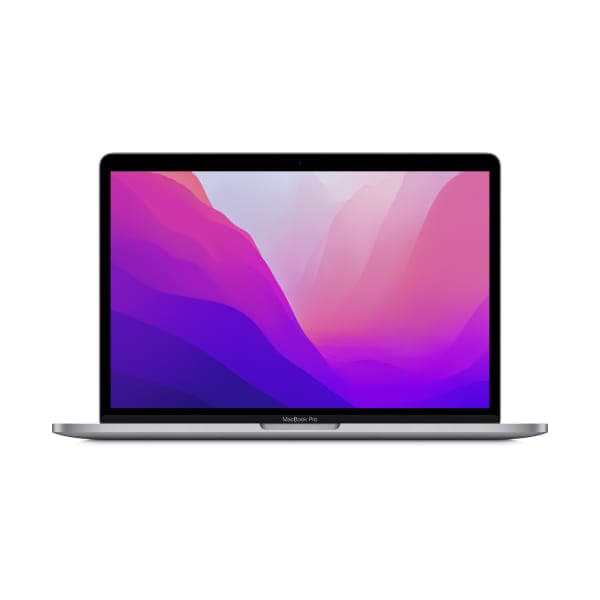
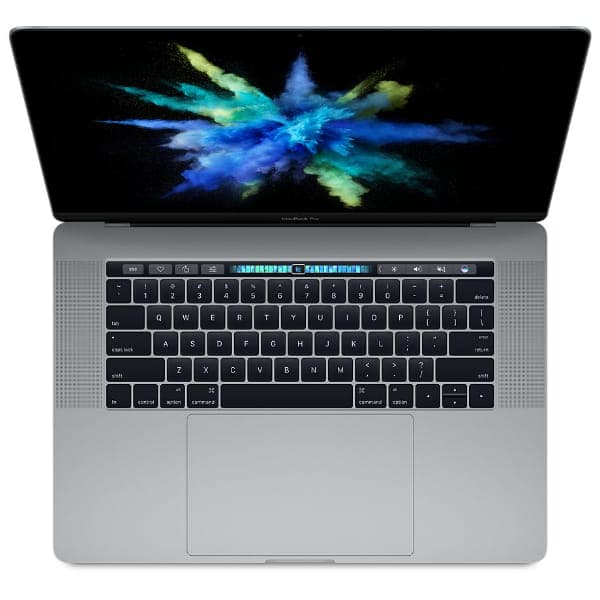
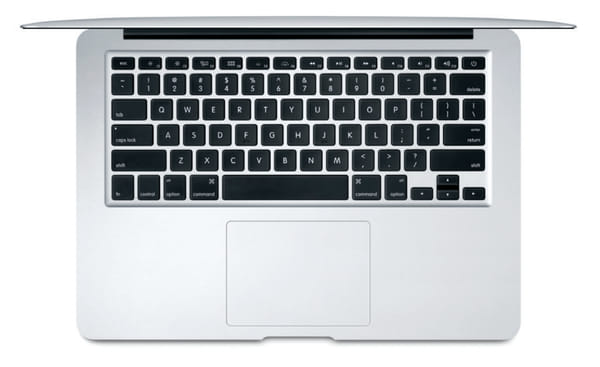
The MacBook Air (13-inch, 2017) is a lightweight Intel-based notebook designed for everyday productivity. Its familiar wedge-shaped aluminium body, full-size keyboard and broad selection of built-in ports make it practical for study, office work and general home use.
It includes two conventional USB-A ports, an SDXC card slot, Thunderbolt 2 and magnetic MagSafe 2 charging. The dual-core Intel processor and 8GB of memory are best suited to web browsing, documents, email, media playback and other lighter tasks.
When considering a used or open-box unit, inspect the battery condition, display, keyboard, trackpad, MagSafe connector and every port. Confirm the SSD capacity and check that the installed macOS version supports the applications you intend to use.
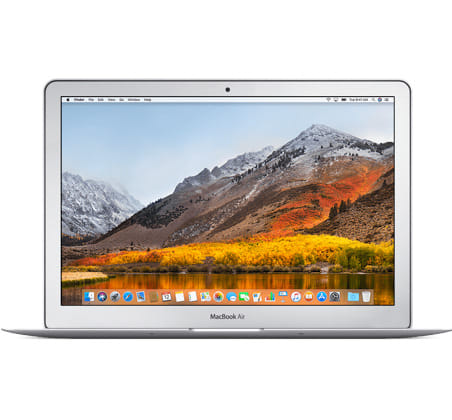
Quick Facts
Specification | Details |
|---|---|
Model year | 2017 |
Display | 13.3-inch LED-backlit widescreen display |
Resolution | 1440 × 900 pixels |
Processor | Dual-core Intel Core i5 or optional Core i7 |
Graphics | Intel HD Graphics 6000 |
Memory | 8GB LPDDR3 onboard memory |
Storage | 128GB or 256GB SSD; configurable up to 512GB |
Ports | Two USB 3, Thunderbolt 2, SDXC and 3.5mm headphone jack |
Battery life | Up to 12 hours of wireless web use |
Weight | Approximately 1.35kg |
Key Highlights
Familiar 13-inch Portable Design
The MacBook Air’s tapered aluminium enclosure keeps it portable while providing enough screen space for everyday work. At approximately 1.35kg, it is suitable for commuting, classes and shared workspaces.
Why it matters:
Portable 13.3-inch form factor
Approximately 1.35kg in weight
Durable aluminium enclosure
Full-size backlit keyboard
Large Multi-Touch trackpad
Practical Built-in Connections
Unlike newer USB-C-only MacBooks, this model includes USB-A ports, an SDXC card slot and dedicated MagSafe charging. Many everyday accessories can therefore connect without a hub.
Why it matters:
Two USB 3 ports for common accessories
SDXC slot for compatible memory cards
Thunderbolt 2 for data and video
Separate 3.5mm headphone jack
Magnetic MagSafe 2 charging connector
Battery Life for Everyday Mobility
Apple rated the MacBook Air for up to 12 hours of wireless web use. Actual runtime on a used unit depends heavily on its battery age, charge-cycle count, condition and workload.
Why it matters:
Up to 12 hours of wireless web use
Up to 12 hours of movie playback
54Wh built-in battery
Compact 45W power adapter
Suitable for light work away from a power socket
Key Features Explained
Feature | Specification | Why It Matters |
Display size | 13.3-inch diagonal | Provides a practical balance between workspace and portability. |
Display technology | LED-backlit glossy widescreen display | Suitable for documents, browsing and general media consumption. |
Native resolution | 1440 × 900 at a 16:10 aspect ratio | Offers useful vertical space, although it is less detailed than a Retina display. |
Processor | 1.8GHz dual-core Intel Core i5 | Handles basic productivity and everyday applications. |
Optional processor | 2.2GHz dual-core Intel Core i7 | Provides moderately faster performance in processor-dependent tasks. |
Graphics | Intel HD Graphics 6000 | Supports routine visual tasks and external-display output. |
Memory | 8GB of 1600MHz LPDDR3 | Adequate for lighter multitasking but limited for demanding modern workloads. |
Storage | 128GB or 256GB PCIe-based SSD; optional 512GB | Provides faster responsiveness than a traditional hard drive. |
External display | Up to 3840 × 2160 at 60Hz | Allows connection to one compatible high-resolution monitor. |
USB connectivity | Two USB 3 ports at up to 5Gbps | Connects conventional drives and peripherals without a USB-C adapter. |
Thunderbolt | One Thunderbolt 2 port at up to 20Gbps | Supports compatible storage, docks and display adapters. |
Card reader | SDXC card slot | Useful for transferring files from compatible cameras and memory cards. |
Camera and audio | 720p FaceTime HD camera, stereo speakers and dual microphones | Supports basic video calls and media playback. |
Wireless | 802.11ac Wi-Fi and Bluetooth 4.0 | Provides wireless connectivity for networks and compatible accessories. |
Battery and charging | 54Wh battery with 45W MagSafe 2 adapter | Offers magnetic charging and up to 12 hours of rated web use. |
Compare Related Models
Feature | MacBook Air 13-inch 2017 | MacBook Air Retina 13-inch 2018 | MacBook Air 13-inch M1 2020 |
Display Size | 13.3-inch | 13.3-inch | 13.3-inch |
Display Type | LED-backlit widescreen | Retina IPS | Retina IPS with P3 and True Tone |
Native Resolution | 1440 × 900 | 2560 × 1600 | 2560 × 1600 |
Processor | Dual-core Intel Core i5 or Core i7 | Dual-core Intel Core i5 | Apple M1 |
Graphics | Intel HD Graphics 6000 | Intel UHD Graphics 617 | Integrated Apple GPU |
Memory | 8GB LPDDR3 | 8GB or 16GB LPDDR3 | 8GB or 16GB unified memory |
Maximum Storage | 512GB SSD | 1.5TB SSD | 2TB SSD |
Main Connections | USB-A, Thunderbolt 2, SDXC and MagSafe 2 | Two Thunderbolt 3 and headphone jack | Two Thunderbolt/USB 4 and headphone jack |
Touch ID | No | Yes | Yes |
Weight | Approximately 1.35kg | Approximately 1.25kg | Approximately 1.29kg |
Best Advantage | Built-in legacy ports and straightforward keyboard | Retina display in a lighter design | Stronger performance and longer software relevance |
Which Model Should You Choose?
Model | Recommended For |
Buyers seeking an affordable Intel Mac with USB-A, an SDXC slot and MagSafe charging. | |
Users who prefer a sharper Retina display, Touch ID and a lighter enclosure. | |
Buyers who want substantially faster performance, better efficiency and broader support for current applications. |
Common Questions
Is the MacBook Air 13-inch 2017 suitable for everyday use?
It remains capable of lighter tasks such as browsing, email, document editing, video calls and media playback. Performance may feel limited with demanding websites, extensive multitasking or newer professional applications.
Is it suitable for school and office work?
Yes, provided the required applications support its available macOS version. Its built-in USB-A ports and SDXC card slot can also be convenient for common accessories and file transfers.
How does it differ from the 2018 Retina MacBook Air?
The 2018 model has a much sharper Retina display, Touch ID, a newer enclosure and Thunderbolt 3 ports. The 2017 model instead offers USB-A, Thunderbolt 2, an SDXC slot and MagSafe 2 without requiring a hub.
Can it connect to an external display?
Yes. It supports one external display at up to 3840 × 2160 resolution at 60Hz through its Thunderbolt 2 or Mini DisplayPort output, using a compatible cable or adapter.
Can the memory or SSD be upgraded?
The 8GB onboard memory cannot be upgraded through a conventional replacement. SSD servicing or replacement may be technically possible with compatible parts, but compatibility and installation should be assessed by a qualified technician.
Is the MacBook Air 13-inch 2017 still worth buying?
It may be worthwhile as an inexpensive secondary notebook for basic tasks, especially if legacy ports or Intel compatibility are important. Buyers should carefully consider battery health, macOS support, application compatibility and overall condition.
Why Buy the MacBook Air (13-inch, 2017)?
The MacBook Air (13-inch, 2017) offers a portable aluminium design, long rated battery life and practical connections that newer MacBooks often require adapters to provide. It is best considered for straightforward everyday computing where affordability, USB-A connectivity and Intel compatibility are priorities.
Compare MacBook Air (13-inch, 2017) listings on SellUp Marketplace to find the condition, battery health, processor, storage and price that suits your budget.